
How to Login as an Employee
Updated February 19, 2026
Employee:
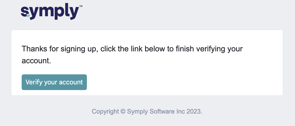
Once email is entered and verified by the employer, the employee will receive an email from Symply with subject as Thanks for signing up Symply App. When you open the email there will be a link. (check spam/junk if not in inbox)
- Click on link from Symply
- Enter Password
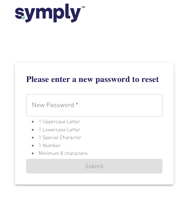
- Submit
- Select Multi-Authentication Preference
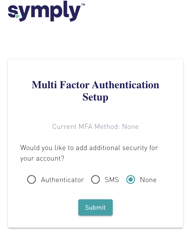
- Submit
- Check off the box in agreement to Terms of Services
- Continue
You will be then logged in to your account.
NOTE:
- For next time log in use app.symply.io
Was this article helpful?
Related articles
Still need help?
The Symply support team is here for you. Send us the details and we'll get back to you as soon as we can.